Package Components Summary
The Package Components Summary report allows users to view total amount received by component and by dates. User can also analyze the total number of components sold.
When a confirmation number is available, it’s linked to the reservation and opens in a separate tab when selected. It’s not available if it does not appear in the report. Likewise, if a guest name is available, it's linked to the guest profile and opens in a separate tab when selected. If a package rate plan is associated with the reservation, it appears on the report with a palm tree icon.
Perform the following steps to generate the report:
Navigate to Reports ➜ All Reports ➜ Package Components Summary (under Guests/Reservations).
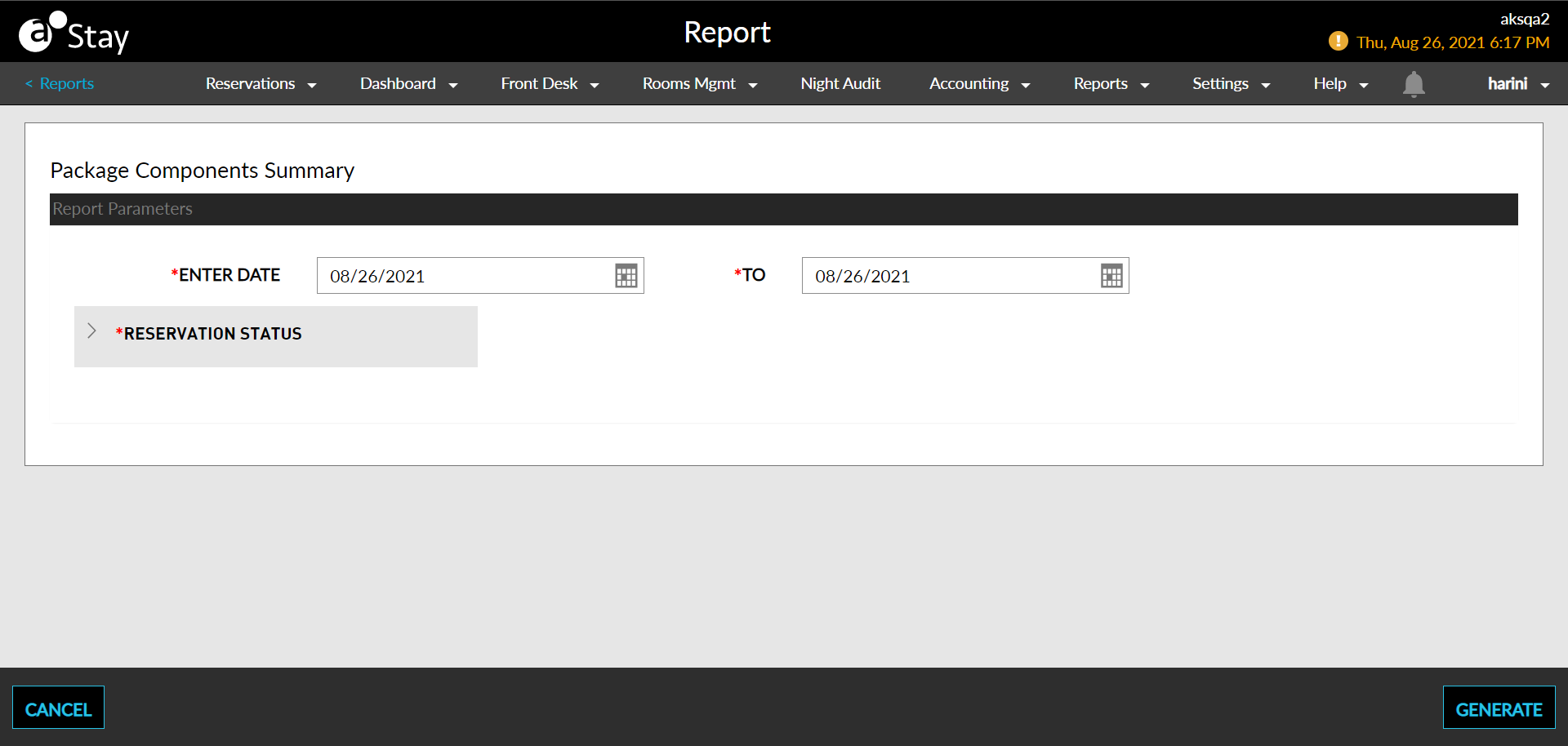
Select a date from the calendar to generate dates for the report.
Select a Reservation Status field or click Select All to choose all Reservation Statuses.
Click Generate. The report with the selected data appears.
Click Print to send a copy of the report to the printer.
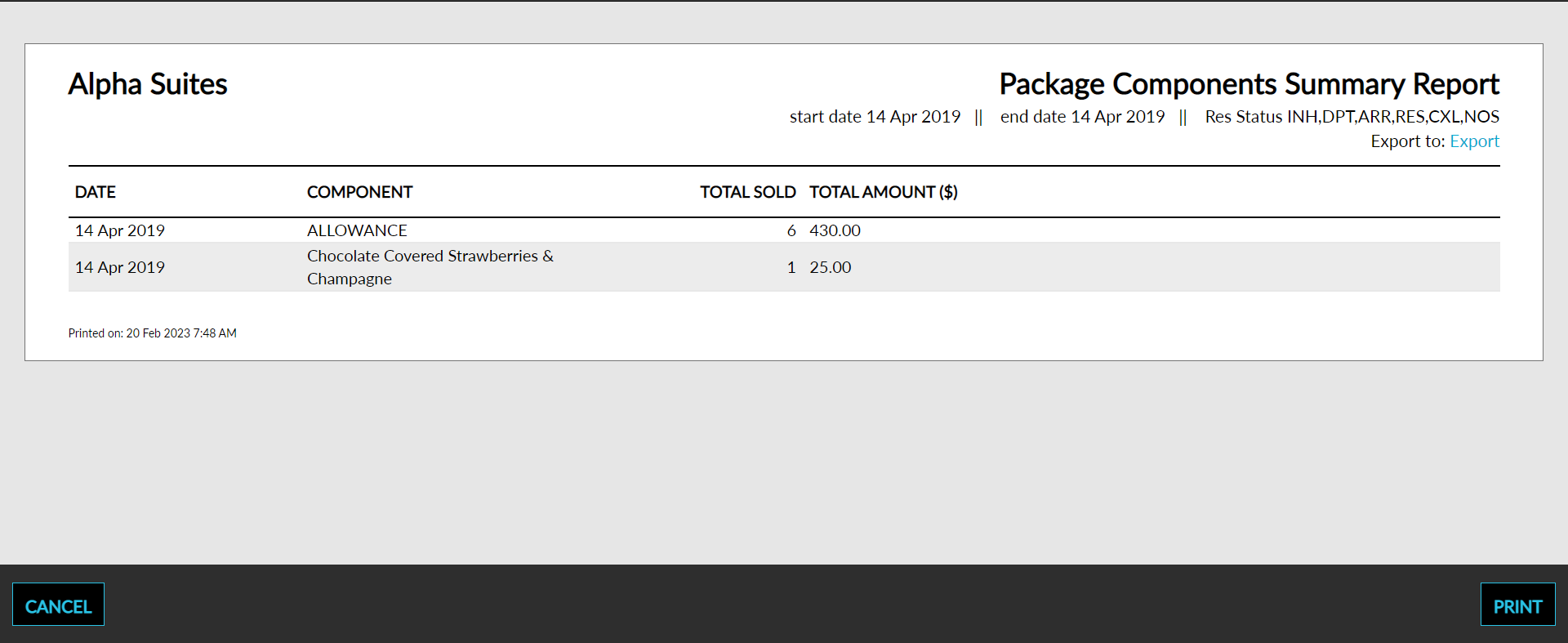
Sample Report
Report Parameters
This report displays the following parameters:
|
Field |
Description |
|---|---|
|
Date |
The date a component was added to a package. |
|
Component |
The name of the component that was added to the package. |
|
Total Sold |
The total number of components sold on a given day. |
|
Total Amount |
The total amount from package components on a given day. |
|
VIP |
The VIP status of the guest. |